Solar attic fan timer settings are programmable controls that automatically regulate when your ventilation system operates, helping extend battery life by up to 40% through strategic scheduling. These digital or mechanical controls determine operating hours based on temperature, sunlight availability, and seasonal needs. Most homeowners save significant energy costs by configuring timers to run fans during peak heat periods while preserving battery power during low-efficiency hours.
Understanding Solar Powered Attic Fans and Timer Benefits
Solar powered attic fans are ventilation devices that use photovoltaic panels to power motors that extract hot, humid air from attic spaces. They typically feature built-in thermostats, humidity sensors, and adjustable speed controls that work together to maintain optimal attic conditions. The primary benefits include reduced cooling costs, improved indoor air quality, and prevention of moisture-related damage like mold growth. These fans operate independently from your home’s electrical grid, making them particularly valuable during power outages or in remote locations.
Key Timer Features That Maximize Energy Efficiency
Timer settings enhance solar attic fan performance by allowing precise control over operating schedules. Advanced timer options include programmable daily cycles, temperature-based activation, and seasonal adjustment capabilities. Digital timers typically offer 15-minute intervals and can store multiple program settings, while smart timers connect to home automation systems for remote monitoring. Battery backup systems work alongside timers to ensure continued operation during cloudy periods. Comprehensive solar attic fan comparisons reveal that proper timer configuration can double battery lifespan compared to continuous operation modes.
Why Timer Settings Are Critical for Battery Conservation
Timer settings directly impact battery longevity by preventing unnecessary power consumption during low-efficiency periods. Properly configured solar attic fan timers ensure operation only when ventilation provides maximum benefit, typically during afternoon heat peaks when attic temperatures exceed 90°F. Battery conservation occurs because timers prevent fans from running during early morning or late evening hours when temperature differentials are minimal. Strategic scheduling also accounts for solar panel charging patterns, allowing batteries to recharge fully between operational cycles.
Seasonal Timer Optimization Strategies
Effective timer management requires seasonal adjustments to match changing daylight hours and temperature patterns. Summer settings should typically program 6-8 hours of operation during peak heat periods (10 AM to 6 PM), while spring and fall require only 3-4 hours during midday peaks. Winter timer settings can often be reduced to 1-2 hours or disabled entirely unless humidity concerns exist. Solar attic fans with battery backup systems benefit from conservative winter settings that preserve stored power for humid conditions that could lead to condensation problems.
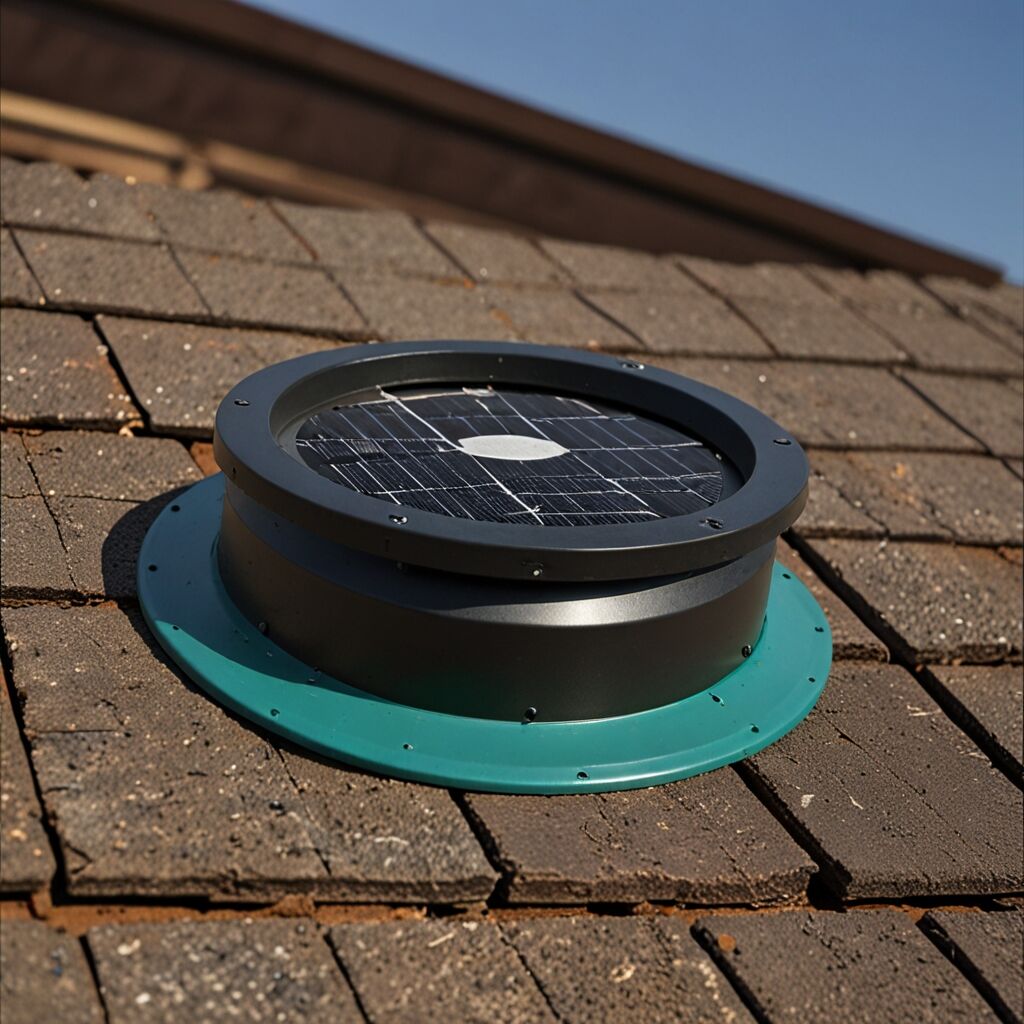
Complete Guide to Timer Setting Adjustments
Adjusting timer settings begins with locating the control panel, which is typically mounted near the fan motor or on a separate wall-mounted unit. Most solar attic fan timers feature either digital displays with menu navigation or mechanical dials with preset intervals. Start by consulting your specific model’s manual to understand available programming options, as timer capabilities vary significantly between manufacturers. Basic models offer simple on/off scheduling, while advanced units provide temperature-triggered activation and multiple daily cycles.
Programming Timer Controls Step-by-Step
Begin timer programming by setting the current time and date, ensuring accurate scheduling for your local sunrise and sunset patterns. Configure primary operating hours based on your climate zone – typically 4-6 hours for moderate climates and 6-8 hours for hot, humid regions. Advanced timer settings for humidity control should activate fans when relative humidity exceeds 60-70% regardless of temperature. Test your programmed settings for several days, monitoring attic temperatures and fan operation to verify proper activation timing.
Timer Setting Recommendations by Climate Zone
- Hot, dry climates: 6-8 hours during peak sun (11 AM – 7 PM)
- Hot, humid climates: 8-10 hours with humidity override settings
- Moderate climates: 4-6 hours during afternoon peaks (12 PM – 6 PM)
- Cool climates: 2-4 hours during warmest periods only
- Mountain regions: Variable settings based on altitude and exposure
- Coastal areas: Extended hours to manage humidity from ocean moisture
- Desert climates: Concentrated operation during extreme heat periods
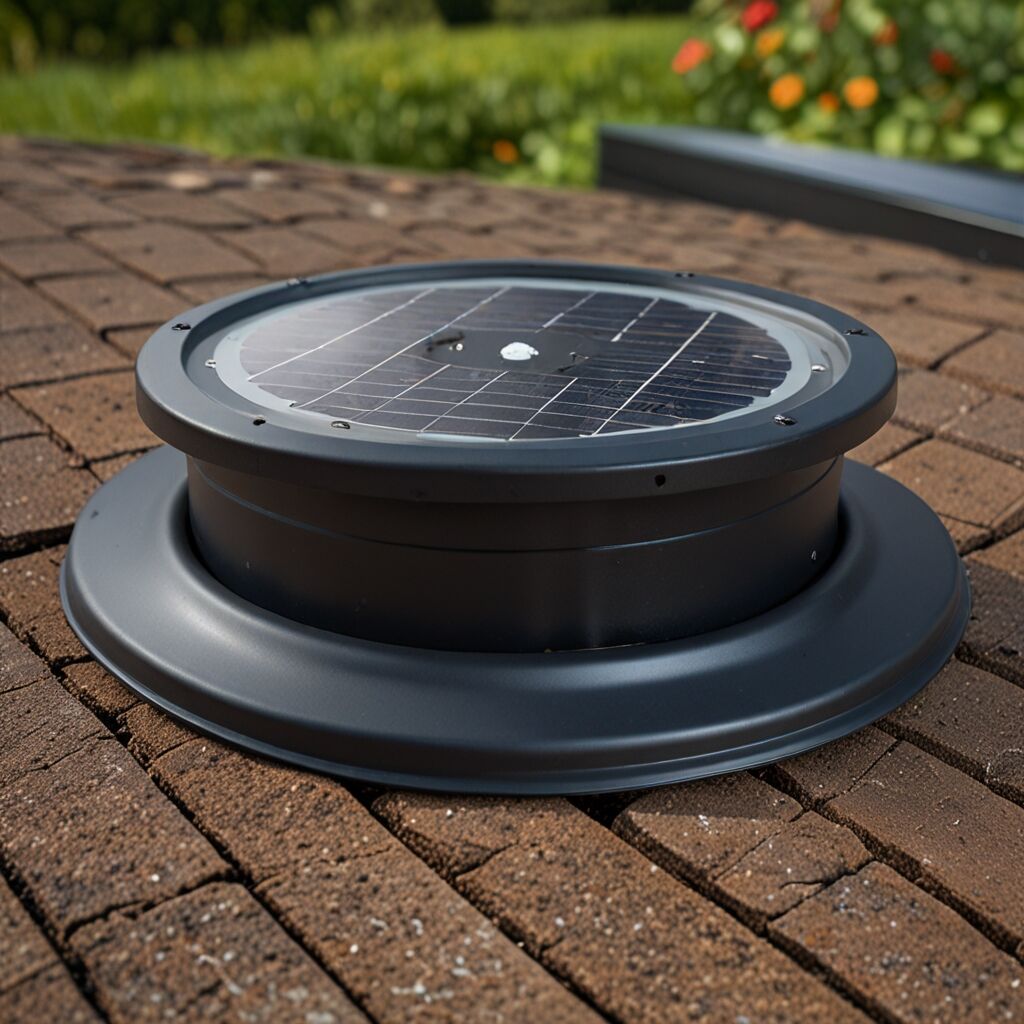
Solving Common Timer Configuration Problems
Timer setting issues often stem from incorrect time programming, leading to fans operating during low-efficiency periods or failing to activate during peak heat. Common problems with solar attic fan timers include display malfunctions, memory loss during power interruptions, and conflicts between timer settings and thermostat controls. Geographic factors such as daylight saving time changes, seasonal sun angle variations, and local weather patterns can also affect optimal timer performance. Regular timer maintenance includes checking display accuracy and verifying program retention after power cycling.
Geographic and Weather Considerations
Geographic location significantly influences optimal timer settings due to varying sunrise/sunset times and seasonal temperature patterns. Proper attic fan placement combined with location-specific timer programming maximizes efficiency across different climate zones. Northern regions require shorter summer operating periods but may need extended shoulder season operation, while southern locations benefit from longer daily cycles during hot months. Altitude affects both solar panel efficiency and temperature patterns, requiring timer adjustments for mountain installations.
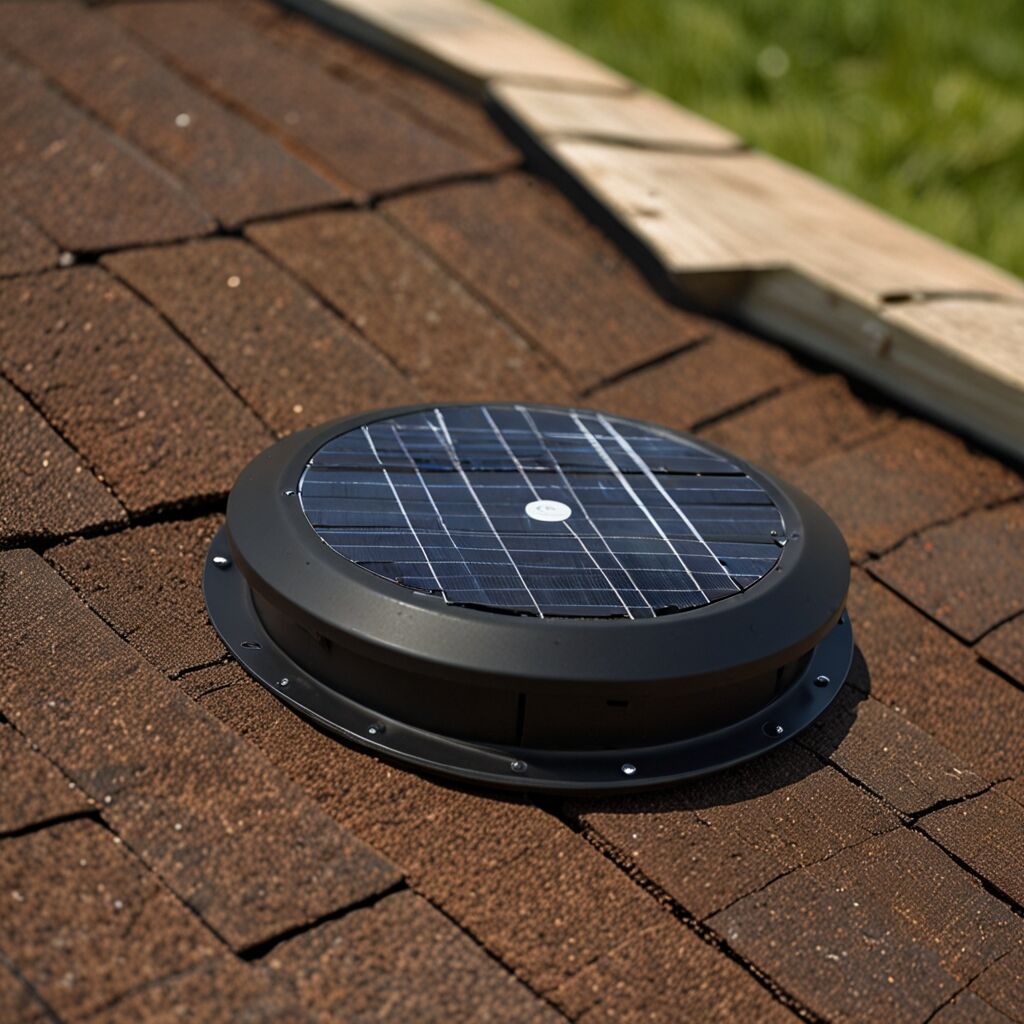
Comparing Timer Types and Technologies
Solar attic fans typically offer three main timer technologies: mechanical dial timers, digital programmable timers, and smart connected timers. Mechanical timers cost between $15-30 and provide basic daily scheduling with limited precision, while digital timers range from $40-80 and offer multiple program settings with temperature integration. Smart timers, priced at $80-150, connect to home automation systems and provide remote monitoring capabilities. Each timer type offers distinct advantages depending on user preferences, technical comfort level, and desired control precision.
Timer Technology Performance Comparison
Mechanical timers excel at simplicity and reliability but lack flexibility for seasonal adjustments or weather-responsive operation. Digital timer systems for solar attic fans provide superior accuracy and memory retention, making them ideal for homeowners who prefer set-and-forget operation. Smart timers offer the most sophisticated control options, including weather data integration, energy usage monitoring, and smartphone alerts for maintenance needs. Battery conservation typically improves by 15-25% with digital timers compared to mechanical versions, while smart timers can achieve 25-40% improvement through predictive scheduling algorithms.
Timer Cost and Feature Comparison
- Basic mechanical timers: $15-30, simple daily scheduling, 2-year typical lifespan
- Digital programmable timers: $40-80, multiple programs, temperature integration
- Smart connected timers: $80-150, remote access, weather integration, energy monitoring
- Commercial-grade timers: $100-200, precise scheduling, extended warranty coverage
- Replacement timer modules: $25-60, compatibility varies by fan manufacturer
- Timer upgrade kits: $60-120, includes installation hardware and instructions
- Professional timer installation: $75-150, includes programming and testing
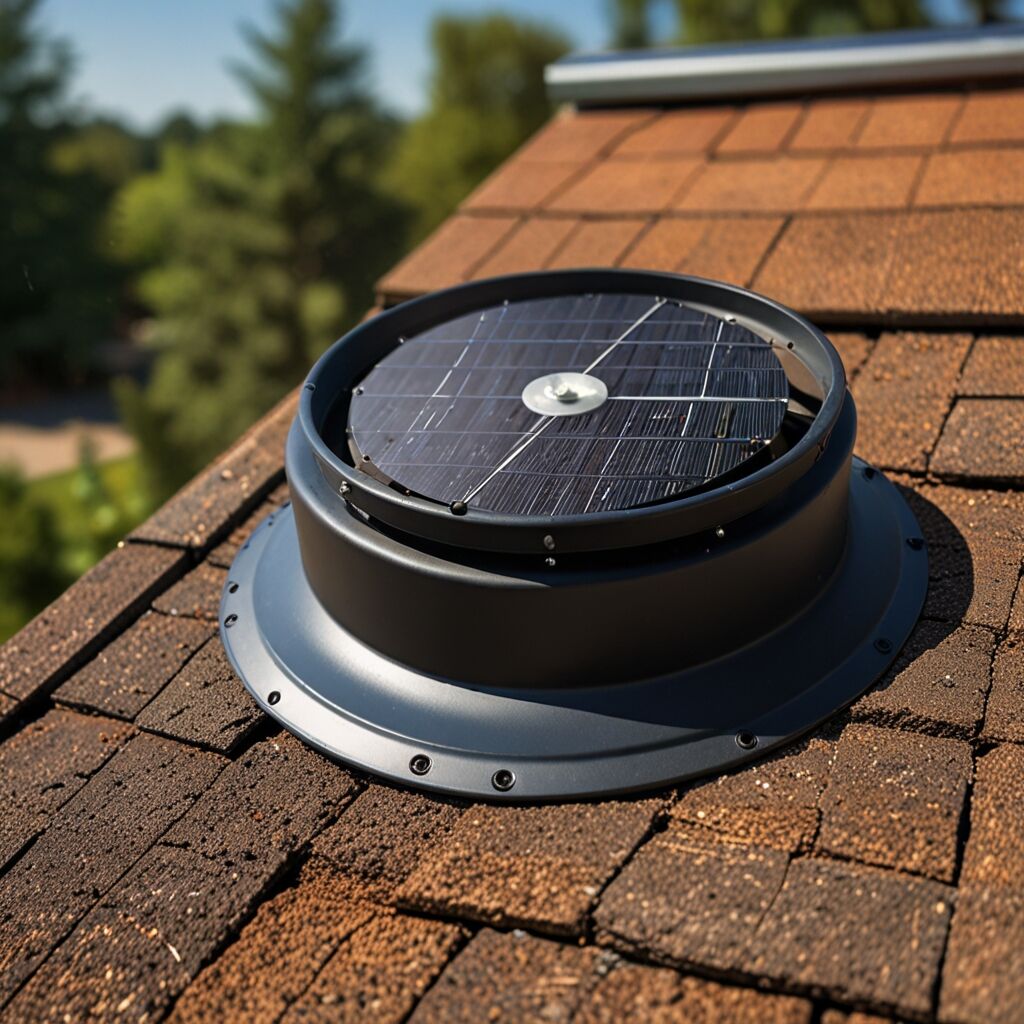
Weather Impact on Timer Programming
Weather conditions dramatically affect optimal timer settings, with temperature, humidity, and cloud cover all influencing fan efficiency and battery performance. High-pressure systems with clear skies allow for extended operating periods due to excellent solar panel output, while overcast conditions require conservative timer settings to preserve battery reserves. Understanding weather patterns helps optimize timer programming for maximum efficiency throughout different seasonal conditions.
Humidity and Temperature Threshold Programming
Humidity levels above 60% can trigger mold growth and structural damage, making humidity-responsive timer settings essential for comprehensive attic protection. Temperature threshold programming should activate fans when attic temperatures exceed 85°F, regardless of scheduled timer periods, to prevent heat damage to roofing materials. Combined temperature and humidity triggers provide the most effective protection, automatically overriding standard timer settings when environmental conditions threaten building integrity or energy efficiency.
Timer Maintenance and Performance Optimization
Regular timer maintenance ensures consistent performance and extends both timer and fan system lifespan. Essential maintenance for solar attic fan systems includes cleaning timer displays, checking program retention, and verifying accurate time keeping. Digital timers require occasional memory backup battery replacement, typically every 3-5 years, while mechanical timers need lubrication of moving parts annually. Smart timers benefit from regular software updates and Wi-Fi connectivity verification to maintain remote access capabilities.
Timer Calibration and Testing Procedures
Timer calibration involves verifying that programmed settings match actual fan operation times and environmental trigger points. Test timer accuracy by manually recording fan start and stop times over several days, comparing results to programmed schedules. Professional testing methods reveal whether timer drift or environmental factors are affecting performance. Calibration adjustments should account for seasonal daylight changes and temperature pattern shifts throughout the year.
Maintenance Schedule for Optimal Timer Performance
- Monthly: Verify timer display accuracy and program retention
- Quarterly: Clean timer housing and check connection integrity
- Bi-annually: Test all timer functions and backup battery condition
- Annually: Recalibrate temperature and humidity thresholds
- Seasonally: Adjust programming for changing daylight hours
- After storms: Inspect for weather damage and reset if necessary
- Every 3-5 years: Replace backup batteries in digital timer systems
Advanced Timer Strategies for Maximum Energy Savings
Advanced timer programming combines multiple environmental factors to create dynamic operating schedules that adapt to changing conditions throughout the day and season. Sophisticated systems integrate weather forecasting data, energy pricing information, and historical performance data to optimize timer settings automatically. The most effective timer configurations balance attic ventilation needs with battery conservation goals, achieving optimal performance without compromising either objective.
Integration with Home Energy Management Systems
Smart timer systems can integrate with whole-home energy management platforms to coordinate solar attic fan operation with other energy-consuming devices. This coordination ensures that timer settings complement broader energy conservation strategies, such as shifting fan operation to times when solar panel output is highest or utility rates are lowest. Cost analysis of integrated systems shows that comprehensive energy management approaches can reduce overall home energy consumption by 20-30% compared to individual device optimization.